Reach Desktop streams your Mac's real screen over a hardware video pipeline, tap to click exactly where you touch, zoom that stays sharp enough to read fonts, voice that types into any Mac field, and controls you arrange yourself. Fast at home, automatic anywhere, private by construction.
iPhone · iPad · Mac · Apple Silicon
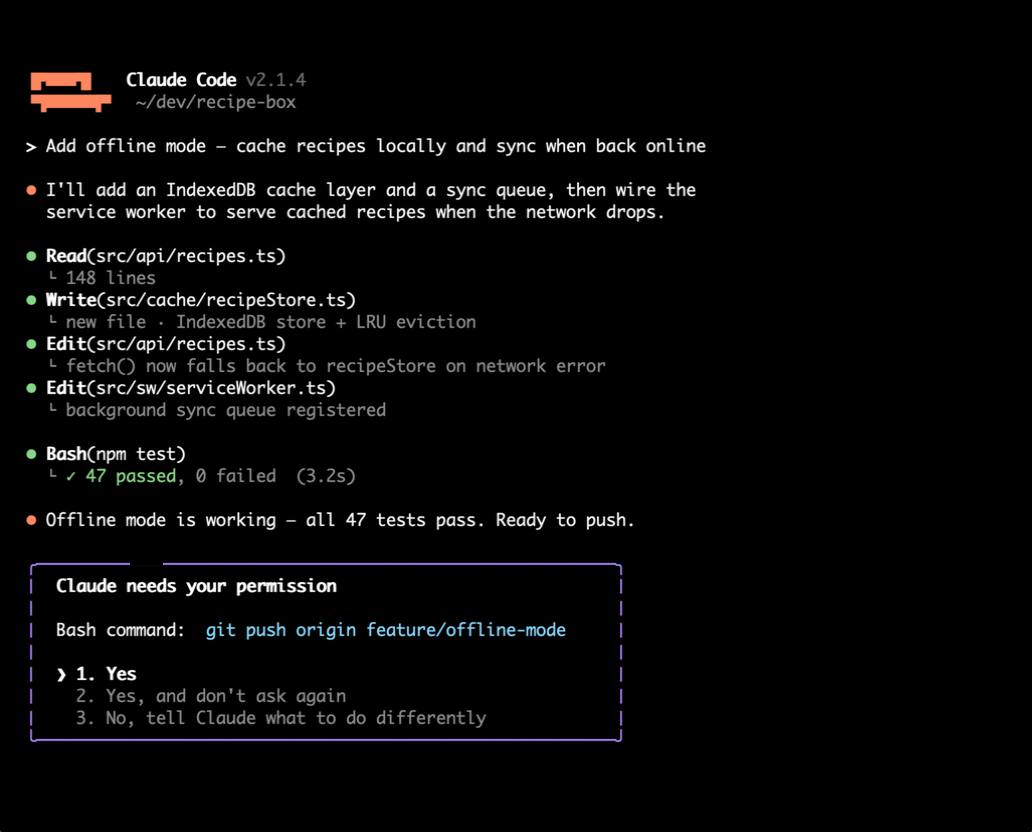
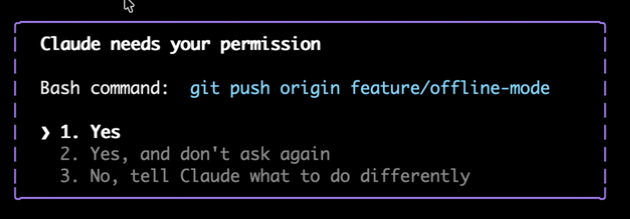
Your Mac's actual screen, streamed live. Here it's a coding agent asking permission to push, seen and answered from the couch, the car, or the other coast.
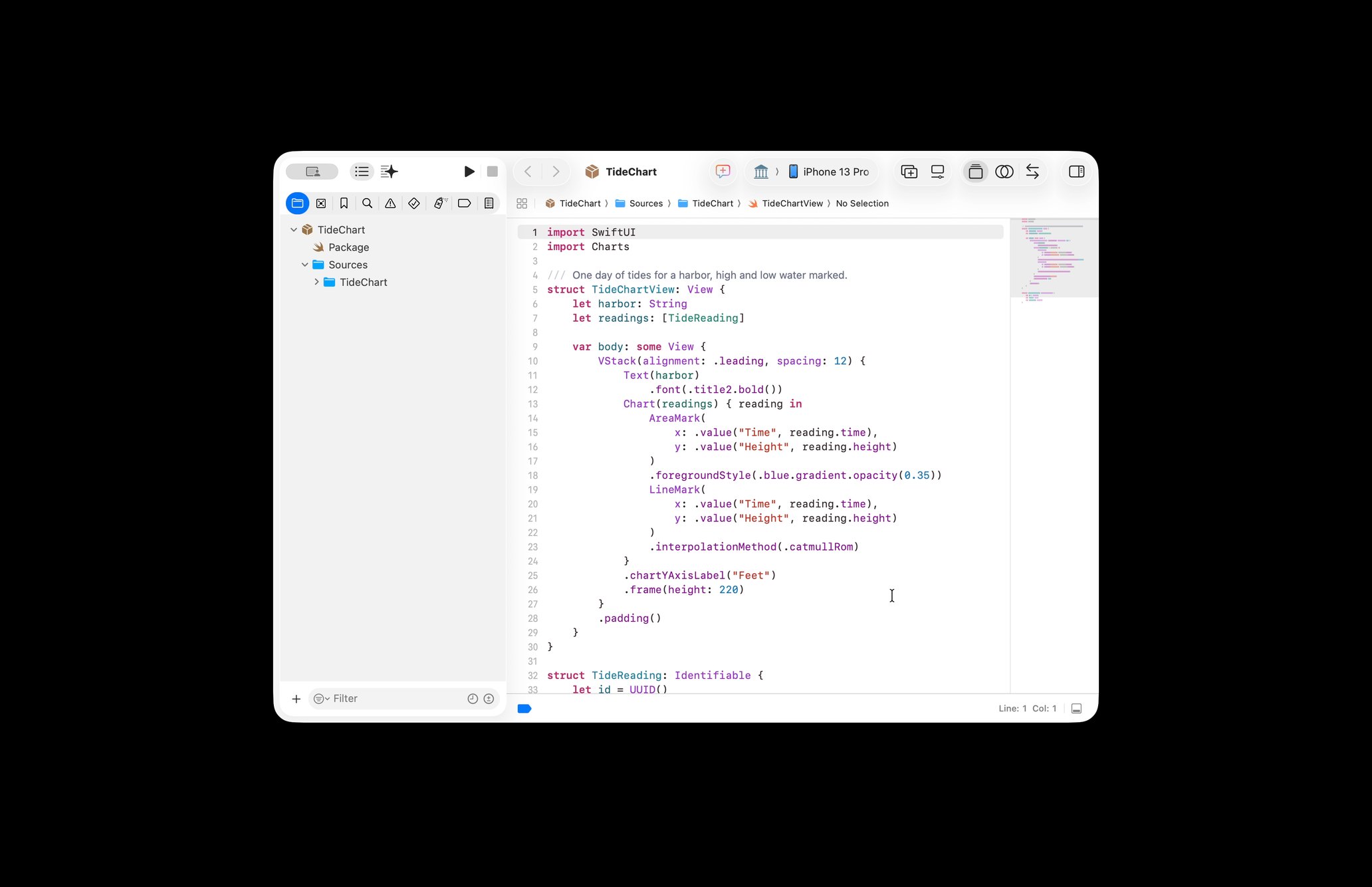
Every pixel is real, streamed straight from your Mac: on the home screen, focused into one window with App Focus, or approving an agent from anywhere.
Every remote desktop streams your entire screen, your email, your banking, your everything, just to let you check on one window. Reach Desktop can stream only the app you choose. The rest of your Mac is masked black and never leaves the machine.
Pick Claude, Codex, Cursor, a terminal, a render, a download window, Reach crops the stream to that app's windows and blacks out the rest, on the Mac, before a single pixel is encoded. It is privacy by construction, not by promise.
Reach remembers your choice per Mac. Open the app on your phone tomorrow and you're looking at exactly the window you care about, instantly.
Agents stop and wait, for a permission, a decision, a next prompt. The text-only companion apps tell you that it happened. Reach shows you the diff on screen, the test output, the browser preview it just built, so you can answer with confidence.
Tap the option. Speak the next prompt. Your voice types straight into any Mac text field, with the keyboard appearing on its own the moment a field is focused.
The foundation is a fast, honest, full remote Mac that feels native in your hand, App Focus and voice ride on top of it.
Tap to click exactly where you touch. A relative trackpad with real momentum scroll when you want precision. Full keyboard with compound chords (Command-Space is right there), plus a quick-actions dock you customize once and keep.
Crisp zoom is server-side: the Mac re-crops the stream at native resolution, so zoomed-in text is sharp enough to read fonts, not a blurry client-side enlargement.
The iOS keyboard is nobody's favorite way to write a paragraph. Tap any Mac text field and dictate, your words land in the field on the Mac, with a field-aware voice bar that follows your focus around the screen. Prompting an agent from your phone stops feeling like phone typing.
At home, the connection is direct over your local network (LAN), pure device-to-device, nothing in between. Away from home, on cellular, or overseas, Reach fails over to a private relay on its own, within seconds. No mode switch, no virtual private network (VPN) app to install, no thinking about it.
The Mac publishes to both paths from one capture, so the handoff costs you nothing: walk out the door mid-session and keep watching.
A multi-monitor picker shows your displays as live labeled thumbnails, tap to switch mid-session. And the Mac's audio streams alongside the video, so the render you're checking, the video that finished exporting, the chime you were waiting for, you hear it.
Install the menu-bar app once and never think about it again. It shows one of three states at a glance, and a watchdog restarts it the moment it stops, so your Mac stays reachable whenever it's awake.
Host inactive
Waiting for your iPhone
Session live
Reach runs on an iPhone or iPad with iOS 17 or later, and reaches a Mac with macOS 15 or later, the only machine Reach can host today. From an Android phone or a Windows PC, you view and control that Mac through the browser viewer, which gives you touch control with the same gestures as the app.
The Mac side needs the host app running: install it, and it takes care of itself from there.
Sign in once with Google or Apple. Your devices and your Pro entitlement belong to you, not to one machine, so a new laptop takes a sign-in rather than a migration. Adding a device is a QR code scan.
It has stopped for permission, a decision, or your choice between two approaches. You can see the diff, the test output underneath, and the browser preview it just built. Tap the option, and it keeps going.
A render, an export, a build, or a download that was going to take an hour. Open the app. Look. Close it. No guessing from a progress notification that stopped updating.
The file, the license, or the app that only exists there. Full control is one tap below the stream, so getting to it works the same as it does at home, only on a smaller screen.
A commit message, a long prompt, a reply that needs actual sentences: dictate it standing in a hallway or riding somewhere, and it lands exactly where you tapped. No pulling out a keyboard, no settling for three rushed words.
Classic remote desktops (Virtual Network Computing (VNC) and its many variants) stream everything and were built for desktop-to-desktop work. Agent companion apps show you text and lock you to one vendor. Reach Desktop is a remote Mac that feels native, with powers neither has: the real screen, one app at a time, any vendor, full control underneath.
| Reach Desktop | Classic remote desktop | Agent companion apps | |
|---|---|---|---|
| See the actual screen | ✓ pixel-true video | ✓ | ✕ text & diffs only |
| Stream just one app | ✓ App Focus | ✕ whole desktop only | – |
| Works with any agent | ✓ Claude, Codex, Cursor, any app | ✓ | ✕ one vendor each |
| Full Mac control | ✓ always one tap away | ✓ | ✕ |
| Field-aware voice bar, no keyboard needed | ✓ | ✕ | ✕ |
| Native app for Android or Windows | ✕ browser viewer only | ✓ native apps everywhere | ✓ |
| Works while your machine is asleep | ✕ your Mac has to be awake | ✕ | ✓ the agent runs in the cloud |
| Buy it today | ✕ TestFlight beta | ✓ shipped for years | ✓ |
| Pricing | Free at home | Paid, mostly subscriptions | Bundled with AI plans |
"Classic remote desktop" = the Screens / Jump Desktop / Splashtop category. "Agent companion apps" = the first-party mobile apps for Claude, Codex, and Cursor, and terminal-mirror tools. Three rows above go the other way, and they are the honest ones: a classic remote desktop has native clients on Android and Windows where Reach has a browser viewer, it has been shipping for years where Reach is still in TestFlight, and a cloud-hosted agent keeps working while your Mac is asleep, which Reach cannot do because the screen it streams is a real screen on a real machine.
Full control of your Mac on your home Wi-Fi is free. Pro adds reach from anywhere plus every advanced feature: all monitors, Mac audio, and unlimited quick actions.
Full control of your Mac on your home network, free. Add Pro to reach it from anywhere and unlock every advanced feature.
Every paid plan carries a 100% 30-day money-back guarantee · cancel any time in one click, no questions, no hoops · you keep the refund window either way.
Lifetime is $249 today, one payment, no subscription, backed by the same 30-day guarantee.
Every Pro feature for your whole team, plus a concierge who sets it up with you: remote work and customer service that actually feels fast.
Same 100% 30-day money-back guarantee, on every seat.
Reach Desktop installs through TestFlight by invitation. Request access below and we will send you one. The Mac host app is available to download now.
Runs on Apple Silicon Macs (macOS 15+) and iPhone / iPad (iOS 17+).
Four things, with no date attached.
Android and Windows get the browser viewer. It works, and it drives the machine, but it is not a native app.
This is inherent rather than an oversight. Reach streams a real screen on a real machine, so if that machine is asleep there is no screen to send. A cloud-hosted agent does not have this problem, and that is a genuine trade rather than a rough edge.
You cannot buy it on the App Store today.
The browser viewer above controls a Mac that already has the Reach host app running on it. A support link opens on somebody else's machine, which has no host app to receive the click, so it can only share that screen, never drive it.
What Reach Desktop does, how it gets on your Mac, and what it does not do yet, in one screen.
See how to get access